PRODUCT
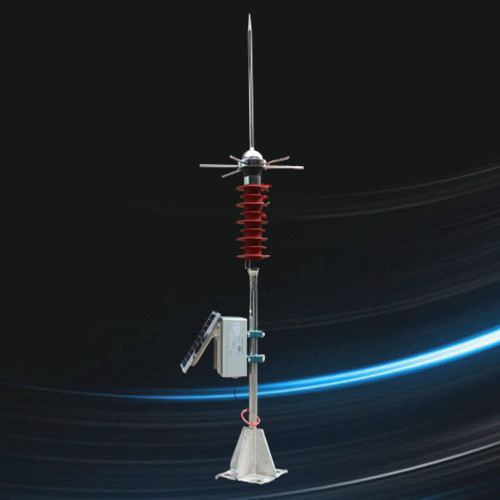
RY-LC-NB/SIR lightning monitoring system manufacturer China
Instruction manual for lightning monitoring device
1.Product introduction
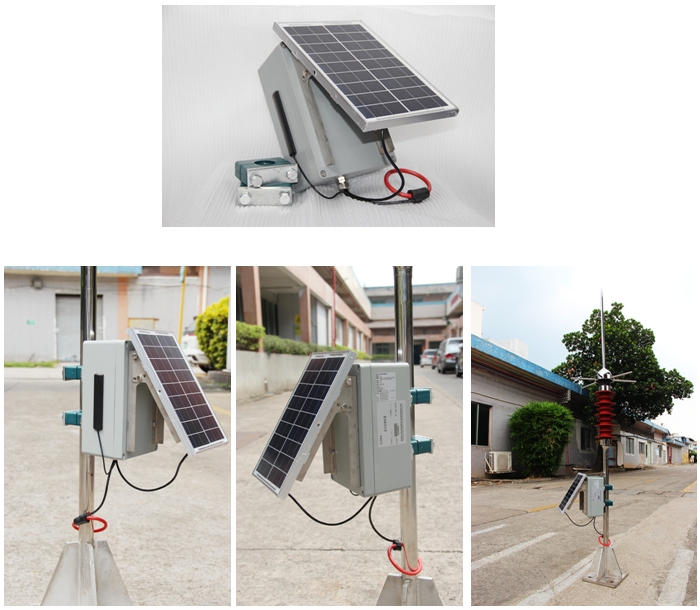
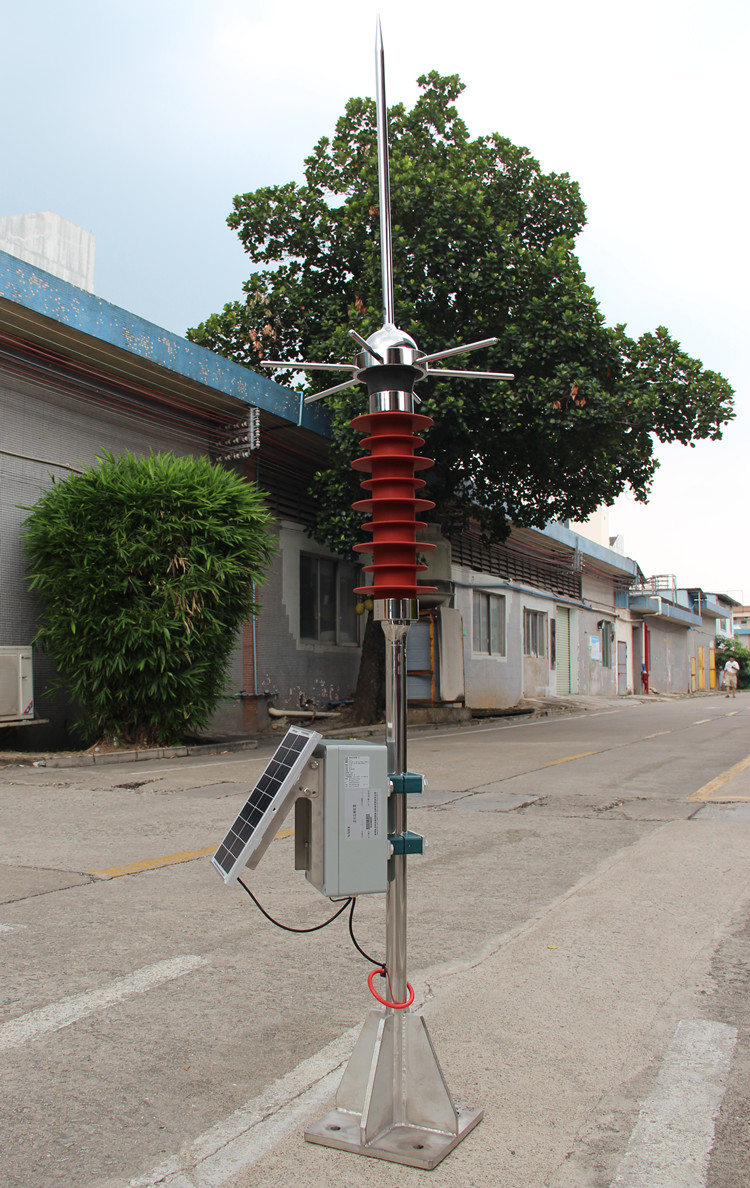
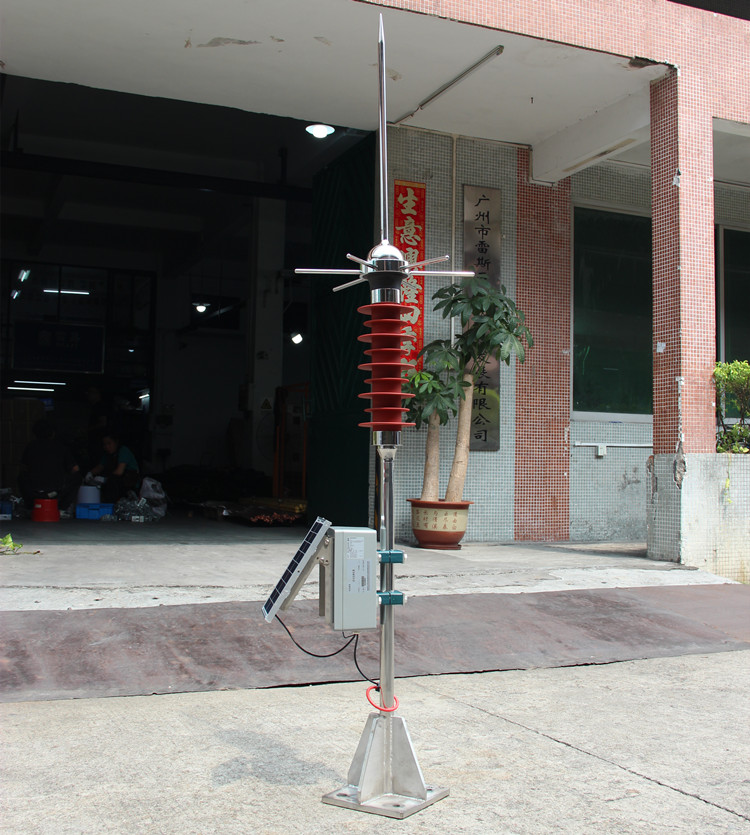
The RY-LC-NB/SIR lightning monitoring device is another high-tech product that our company has been committed to for many years in the field of "online monitoring of lightning protection". This product has the functions of online monitoring of lightning current peak value, lightning current polarity, T1 and T2 time of lightning waveform, SPD lightning strike frequency, real-time temperature and humidity, etc. The product adopts a solar powered waterproof design, which has the characteristics of small size and easy installation The device itself is based on NB-IOT communication and is also equipped with RS485 interface, which can be combined with other intelligent IoT devices to achieve richer remote online monitoring functions.
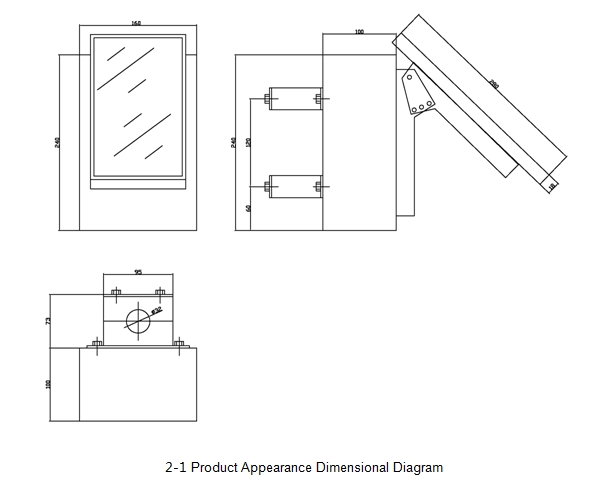
2.Product Appearance and Dimensional Drawing
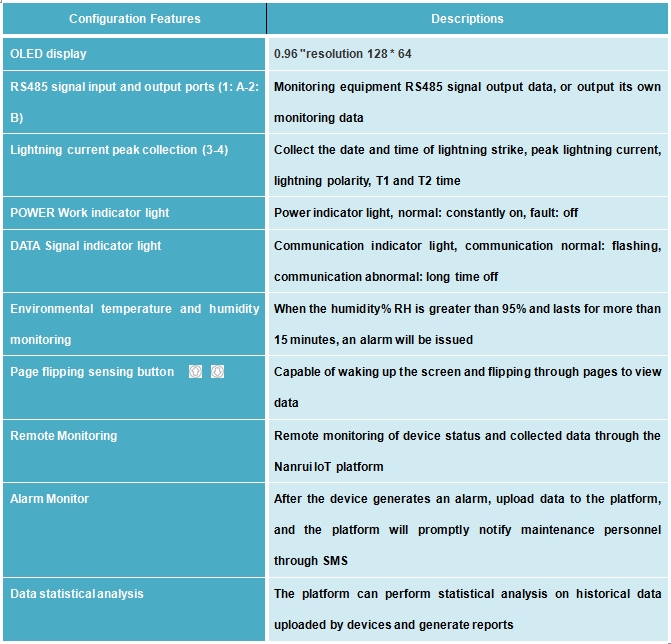
3.Basic Function Introduction
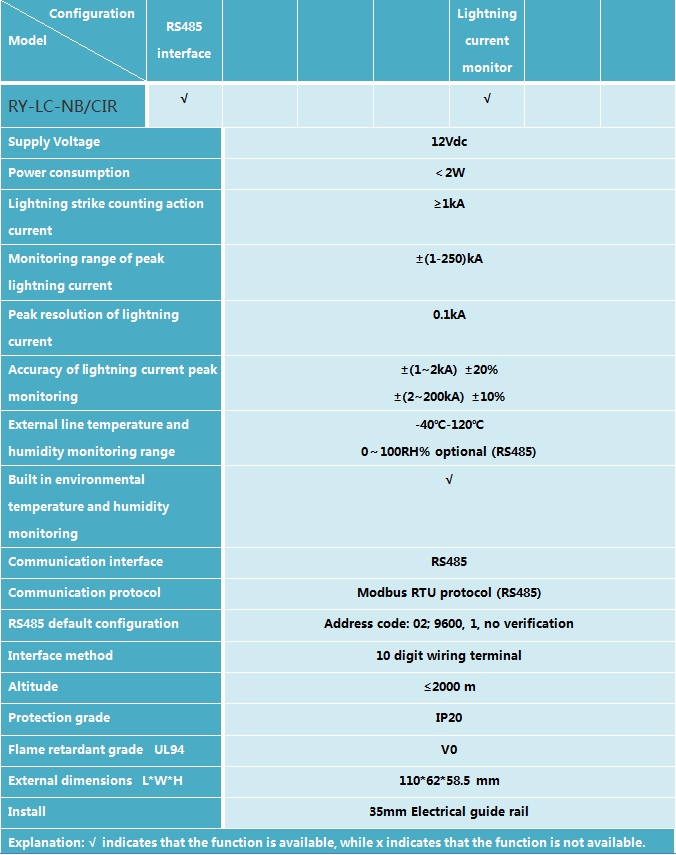
4.Product specifications and parameters
5.Installation and usage instructions
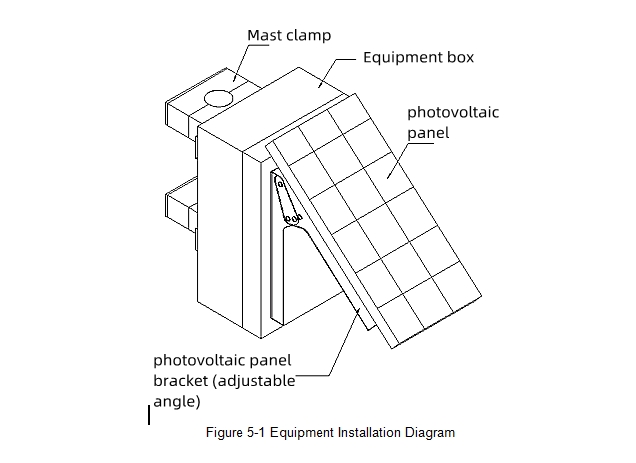
Fix the lightning monitoring device RY-LC-NB/SIR near the down conductor or lightning arrester grounding wire that needs to detect lightning strikes, install it in a waterproof box that can provide 12Vdc DC power, and then connect the equipment according to the diagram before powering it on.
6.Wiring method for power supply of lightning monitoring device
①Connect the+port of the lightning monitoring device to the+port of the 12Vdc power supply
②Connect the port of the lightning monitoring device to the port of the 12Vdc power supply
7.Wiring method for lightning current peak collection coil
①Connect the LS terminal of the lightning current peak collection coil to the LS port (Port 3) of the lightning monitoring device;
②Connect the GND terminal of the lightning current peak collection coil to the LS port (port 4) of the lightning monitoring device;
③Pass the grounding wire through the center hole of the lightning current peak collection coil.
*Attention: The lightning current peak collection coil needs to distinguish the direction of current.
After power supply, the collected data and related configuration information can be viewed on the OLED display screen of the lightning monitoring device through the page turning induction key, You can also use Modbus tool software to view the collected data after connecting the device to the computer through RS485 debugging, or log in to the IoT management platform of the demand side through the account assigned by our company, You can view the latest status of the device and the collected data. The communication of RS485 interface is implemented according to the definition of the "RY-LC-NB/SIR Lightning Monitoring Device Communication Protocol" document.
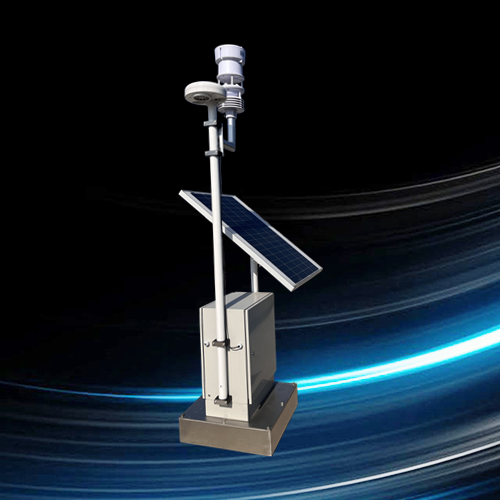
8.Product photos: